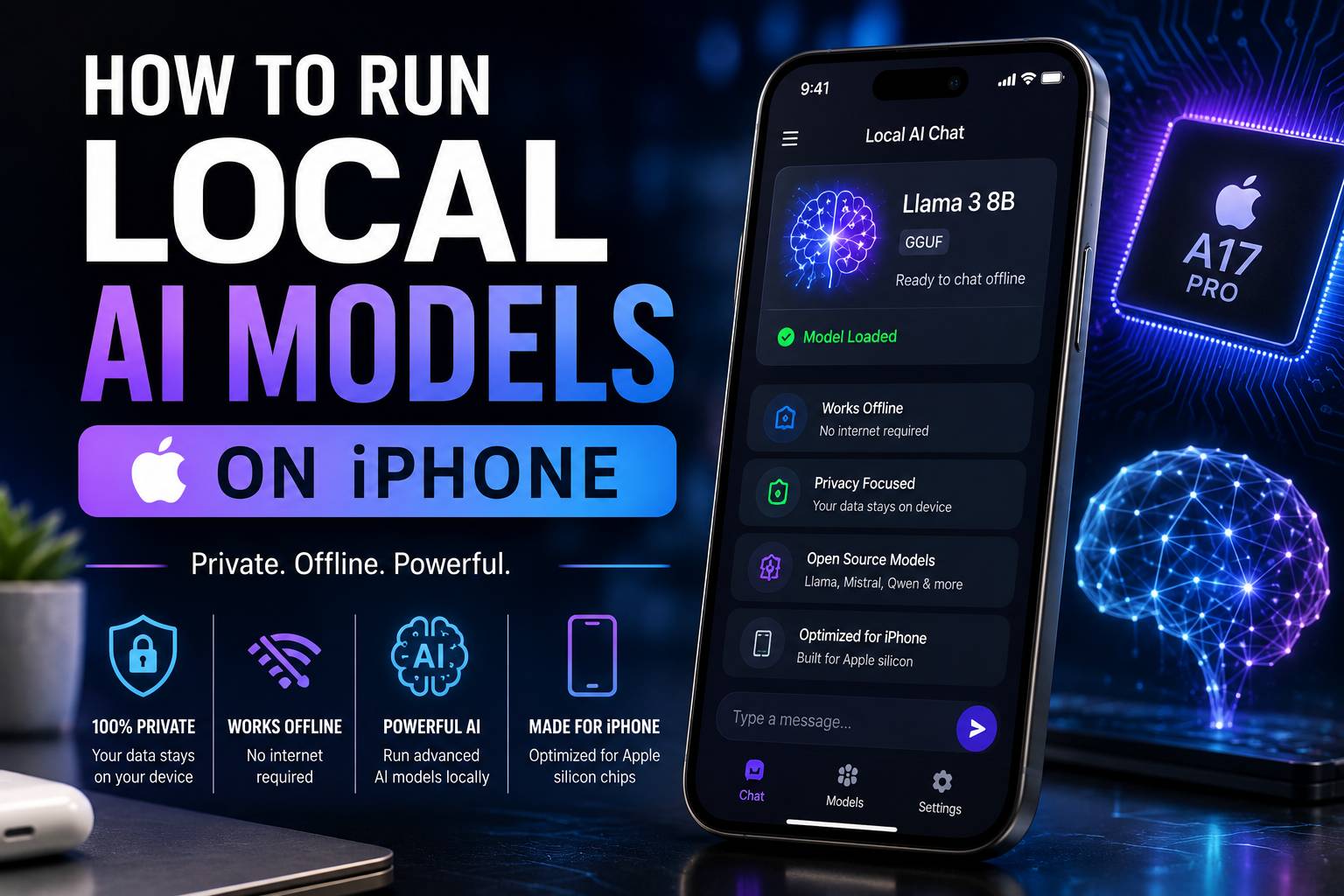
How to run local AI models on iPhone is a question many users ask when they want privacy and offline access. Running AI directly on your phone means no data leaves your device. No internet connection is needed. No cloud fees. This guide shows you the exact steps, the best apps, and what to expect from performance.
Modern iPhones have powerful chips. The A17 Pro and A18 chips include a Neural Engine. This hardware is built for AI tasks. You can run a smart assistant, a text generator, or a code helper right on your phone. All processing stays local.
What Are Local AI Models?
Local AI models are small artificial intelligence programs that run on your device. They do not send your questions to a server. Everything happens inside your iPhone. These models are smaller versions of big AI systems like ChatGPT. They fit on your phone because they use less memory and processing power.
A typical local model size ranges from 100MB to 3GB. Large cloud models use billions of parameters. Local models use fewer parameters, but they still understand questions and give helpful answers.
Benefits of local AI on iPhone:
- Privacy – Your conversations never leave your phone.
- Offline use – No Wi-Fi or cellular data needed.
- Free – Most apps do not charge subscription fees.
- Speed – Responses appear in seconds without network delay.
- No tracking – No company collects your data.
Limitations to know:
- Smaller knowledge base than cloud AI.
- Slower response on older iPhone models.
- Limited ability to handle very long documents.
- No real-time web search (unless app adds it separately).
ARNLWeb Solutions builds web development projects that sometimes integrate AI. Understanding local AI helps you make better choices for your own apps. For a broader view, read our post on Google AI.
Requirements to Run Local AI Models on iPhone
Before you start, check your iPhone model and storage space.
| iPhone Model | RAM | Recommended Model Size | Expected Speed |
|---|---|---|---|
| iPhone 12 / 13 | 4GB | 0.6B to 1B parameters | 5–10 tokens/sec |
| iPhone 14 / 15 base | 6GB | 1.5B to 2B parameters | 10–20 tokens/sec |
| iPhone 15 Pro / 16 Pro | 8GB | 3B to 7B parameters | 20–40+ tokens/sec |
| iPhone 16 Pro Max | 8GB+ | 7B to 8B parameters | 30–50 tokens/sec |
Storage needs:
- Small models (0.5B parameters): ~300MB
- Medium models (1.5B parameters): ~900MB
- Large models (3B parameters): ~1.8GB
- Extra large (7B+ parameters): ~4GB or more
Free up space before downloading. Go to Settings > General > iPhone Storage. Remove unused apps or large videos.
iOS version:
Update to iOS 17 or later. Newer iOS versions include Metal performance improvements. This helps AI run faster.
Best Apps to Run Local AI Models on iPhone
Several apps let you download and run AI models offline. Each app has different features. Choose based on your skill level and needs.
1. Locally AI
Best for general users. This app is simple. Download a model from the list. Start chatting. No settings to adjust. It uses Apple MLX technology for speed.
Pros: Very easy, good privacy policy, multiple model options.
Cons: Some advanced models need a paid upgrade.
2. LLM Farm
Best for tech enthusiasts. Supports over 50 models. You can try different sizes and types. Includes vision models that describe images.
Pros: Free, large model selection.
Cons: Interface is less polished. Some users report stability issues.
3. Arbiter
Best for privacy-focused users. Requires iPhone 13 Pro or later. Supports file uploads (PDF, text). Optional web search when you choose to go online.
Pros: Clean design, good speed on newer phones.
Cons: Only works on recent iPhones.
4. Off Grid
Best for power users. One app for text, image generation, vision, and voice transcription. Open source.
Pros: All-in-one, completely free.
Cons: Manual model download. Steeper learning curve.
5. Google AI Edge
Best for Google fans. Official app for Gemma models from Google. Reliable and secure.
Pros: Trusted developer, regular updates.
Cons: Limited to Google’s own models.
6. LocalLLM
Best for beginners. Very straightforward. Pick a model from a short list. Start typing.
Pros: Minimal setup, Apple Intelligence integration.
Cons: Pro subscription for larger models.
For users who build their own AI tools, ARNLWeb Solutions offers resources like how to integrate OpenAI API. That guide covers cloud AI. This article focuses on local, offline AI.
Step-by-Step Guide: Run Local AI on Your iPhone
Follow these steps. No technical background needed.
Step 1: Pick an App from the List Above
Open the App Store. Search for the app name. Download it. Example: “Locally AI” or “LLM Farm.”
Step 2: Open the App and Find the Model Library
Most apps have a “Models” or “Download” tab. Tap it. You will see a list of available AI models.
Step 3: Choose a Model Based on Your iPhone Model
Refer to the requirement table earlier. For an iPhone 14, pick a 1.5B parameter model. For an iPhone 15 Pro, pick a 3B model.
Popular model names to look for:
- Phi-3.5-mini (3.8B parameters) – Good for Pro models.
- Gemma-2B – Balanced size and quality.
- Llama 3.2 (1B or 3B) – Strong performance.
- Qwen2.5 (1.5B) – Fast on older phones.
Step 4: Download the Model
Tap the download button. Wait. The download size may be 500MB to 2GB. Use Wi-Fi. Keep the app open.
Step 5: Start Chatting Offline
After download, turn on airplane mode. Go back to the app’s chat screen. Type a question. The AI will respond without internet.
Test questions to verify offline mode:
- “What is the capital of France?” (Expected: Paris)
- “Explain gravity in one sentence.”
- “Write a thank you note for a gift.”
If answers appear, you succeeded.
Step 6: Adjust Settings for Better Speed (Optional)
Some apps let you change:
- Temperature – Lower values (0.2) give more factual answers. Higher values (0.8) give creative answers.
- Max tokens – Limit response length to save processing time.
- Context length – How much previous conversation the AI remembers. Lower values use less memory.
Performance Comparison: Local iPhone AI vs Cloud AI
| Feature | Local AI on iPhone | Cloud AI (ChatGPT, Claude) |
|---|---|---|
| Internet needed | No | Yes |
| Privacy | Full (data stays on device) | Data sent to servers |
| Monthly cost | Usually free or one-time | $20+ per month |
| Response speed | 10–50 tokens/second | 50–200 tokens/second |
| Knowledge cutoff | Depends on model (usually 2023–2024) | Regularly updated |
| File uploads | Limited (some apps support PDF/text) | Full support (images, PDFs, code) |
| Web search | No (unless app adds optional online mode) | Yes (paid plans) |
| Voice input | Yes (using iOS speech recognition) | Yes |
Choose local AI for private conversations, offline travel, or simple daily tasks. Choose cloud AI for research, long document analysis, or real-time web information.
Practical Uses for Local AI on iPhone
Once you have a local model running, try these tasks.
1. Private Drafting
Write emails, messages, or social posts. The AI never sends your text to any server. ARNLWeb Solutions has a guide on how to promote the brand on Instagram. You can ask your local AI to draft Instagram captions without exposing your brand ideas.
2. Offline Study Helper
Students can use local AI to summarize notes or explain concepts. No Wi-Fi needed in the library or on a plane.
3. Code Assistance
Ask the AI to write a short Python script or explain a JavaScript function. For web development projects, check our posts on top 10 fastest free WordPress themes or GeneratePress vs Astra. Your local AI can help you understand the code behind those themes.
4. Journaling Prompts
Generate daily questions for self-reflection. Since the AI works offline, your personal entries stay private.
5. Language Practice
Ask the AI to translate phrases or correct your grammar. Works without sending your learning progress to any company.
Troubleshooting Common Issues
Problem: Model download fails or is very slow
Fix: Use a stable Wi-Fi connection. Pause and resume the download. Free up at least double the model size in storage.
Problem: AI gives very short or nonsense answers
Fix: You may have downloaded a very small model (under 0.5B parameters). Delete it. Download a medium model (1B–3B). Also check the “temperature” setting. Lower it to 0.3 for clearer answers.
Problem: App crashes when I start chatting
Fix: Your iPhone may not have enough RAM for that model. Delete the large model. Download a smaller one. For iPhone 12 or 13, stay at 1B parameters or lower.
Problem: Responses take 30+ seconds
Fix: Close other apps. Restart your iPhone. Use a model designed for your iPhone model. Do not run a 7B model on an iPhone 13.
Problem: No models appear in the app
Fix: Some apps require an initial update. Check the App Store for app updates. Or try a different app from the list above.
For broader SEO and website performance tips, ARNLWeb Solutions offers a SEO site audit checklist. Fast websites and fast AI both benefit from clean code.
The Future of Local AI on iPhone
Apple is investing heavily in on-device AI. iOS 18 and future versions will include more built-in AI features. The Neural Engine gets faster each year. Soon, running a 10B parameter model on a phone will be normal.
Developers are also optimizing models. New techniques like quantization reduce model size without losing much quality. A 7B model may shrink from 4GB to 2GB with minimal speed loss.
For business owners, local AI opens new app ideas. A private medical chatbot. An offline travel translator. A confidential business analyst. ARNLWeb Solutions builds mobile apps that can integrate local AI. Contact us if you have an idea.
If you want to explore AI content creation, read our post on the truth about AI content and Google rankings. That guide explains how search engines treat AI-generated text.
External Resources for Advanced Users
For those who want to go deeper, these external links provide technical details.
- Apple Machine Learning Research – Official Apple AI papers.
- MLX Framework GitHub – Apple’s open-source framework for AI on Apple Silicon.
- Hugging Face iOS Models – Download Core ML models for custom apps.
- Ollama – Run models on desktop; then convert for iPhone.
For cloud-based AI development (if you later decide to add server features), consider reliable hosting. ARNLWeb Solutions recommends DigitalOcean for scalable cloud AI. For budget options, Interserver and Hostinger offer affordable plans. If you need fast WordPress hosting for an AI-powered site, check WordPress hosting.
Frequently Asked Questions
Can I run ChatGPT on my iPhone offline?
No. The official ChatGPT app needs internet. But local models like Llama or Gemma give similar chat experiences offline.
Will local AI drain my battery?
Yes, but not severely. Running a 3B model for 30 minutes uses about 10–15% battery on an iPhone 15 Pro. Short queries use much less.
Are local AI models safe from hackers?
Your data stays on your phone. No server to hack. The risk is only if someone physically accesses your unlocked phone. Keep your iPhone locked and use strong passcodes.
Can I use Siri with a local AI?
Not directly. But you can use iOS Shortcuts to send voice input to a local AI app. Some apps like LocalLLM support this.
Do I need a developer account?
No. All apps mentioned are on the public App Store. No coding required.
Get More Help from ARNLWeb Solutions
ARNLWeb Solutions provides end-to-end web and app development. If you want to build a custom app that runs local AI, we can help. Our team knows:
- On-page SEO optimization techniques
- Internal linking strategies
- Best free keyword research tools for content planning
We also offer GPL licensed software and tools for developers.
Visit ARNLWeb Solutions to request a quote. Tell us your local AI idea. We will turn it into a real app.