
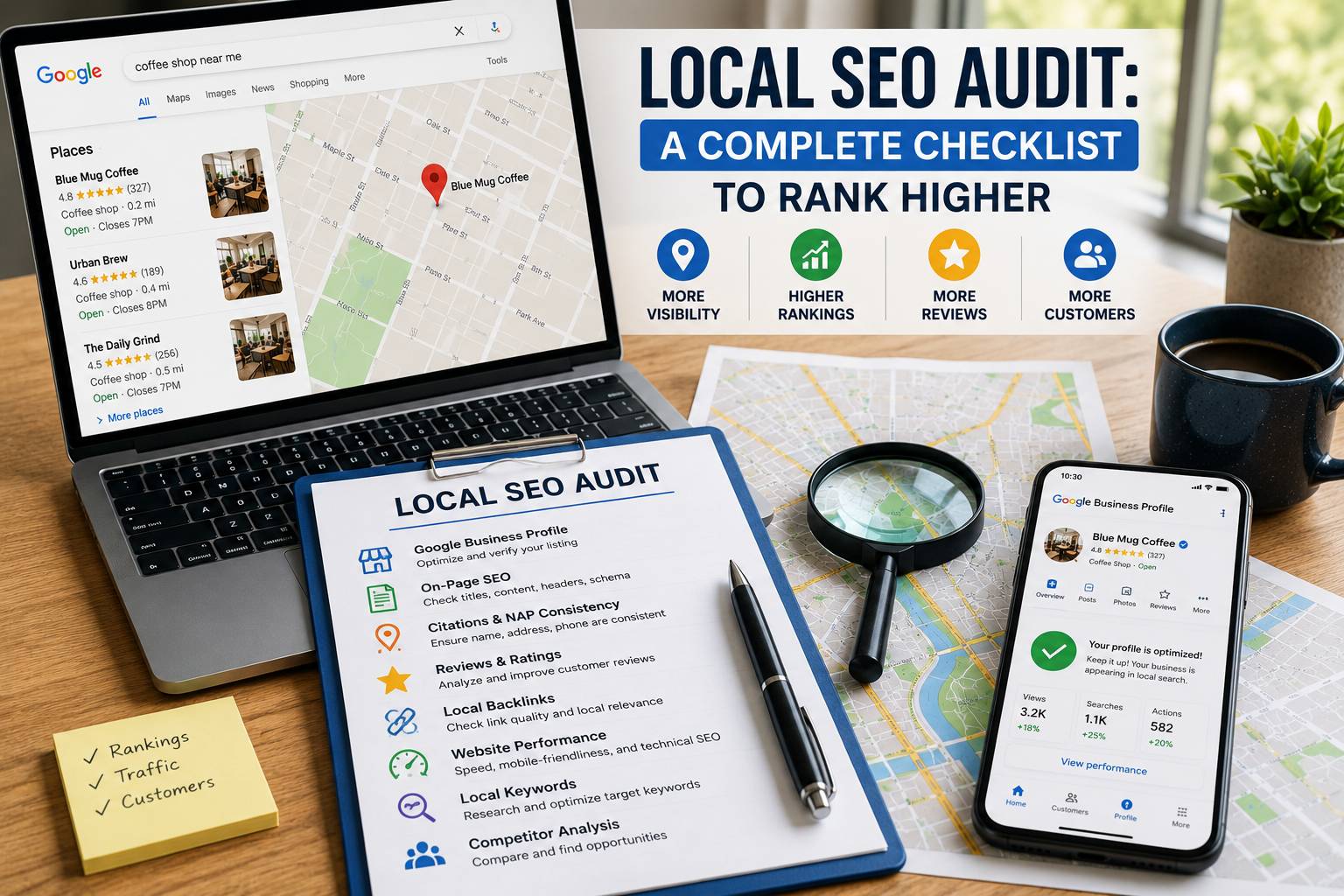
A local SEO audit is the first step to improve how your business appears in local search results. Many business owners skip this step. They guess what is wrong. An audit removes guesswork. It shows you exactly which parts of your local SEO work and which need fixes.
Google shows different results for local searches. When someone types “pizza near me” or “plumber in Austin”, Google uses a separate set of rules. These rules focus on three things: relevance, distance, and prominence. A local SEO audit checks your site and your online presence against these rules.
This guide gives you a clear checklist. You can run this audit yourself. No expensive tools are required. You will learn how to find problems and fix them step by step.
What Is a Local SEO Audit?
A local SEO audit is a full inspection of your website and online business listings. It checks how well you are optimized for local searches. The audit covers:
- Your Google Business Profile (formerly Google My Business)
- Your website’s on-page SEO for local keywords
- Your citations (mentions of your business name, address, phone number on other sites)
- Your customer reviews and ratings
- Your local backlinks
After the audit, you get a list of problems and a plan to fix them. You can then prioritize actions that bring the biggest ranking boost.
Why You Need a Local SEO Audit
Many small business owners set up their Google Business Profile once and forget it. That is a mistake. Google changes its local search algorithm regularly. Your competitors also improve their profiles.
A local SEO audit helps you:
| Benefit | Explanation |
|---|---|
| Find missing citations | Your NAP (Name, Address, Phone) must be consistent across all sites. Inconsistencies confuse Google. |
| Discover new keyword opportunities | Local search terms change. An audit reveals what people actually type to find businesses like yours. |
| Spot technical errors | Broken location pages, slow loading times, or missing schema markup hurt rankings. |
| Improve review strategy | You see how many reviews you have compared to top competitors. |
| Increase click-through rate | An optimized profile with photos, posts, and offers gets more clicks. |
ARNLWeb Solutions performs local SEO audits for clients across many industries. The results show that an audit done every three months doubles the chance of ranking in the top three local results.
How to Run a Local SEO Audit: Step-by-Step Checklist
Follow these 8 steps. You can complete the audit in 2–3 hours for a single location business. For multi-location businesses, plan one day.
Step 1: Check Your Google Business Profile (GBP)
Your GBP is the most important factor for local SEO. Google shows GBP listings in the “Local Pack” (the top 3 results with a map). If your profile has errors or missing information, you will not show up.
Audit tasks for GBP:
- Verify that your business is claimed and verified. Unverified listings rarely rank.
- Check your business name. It must match your real-world business name. Do not add keywords or location names here. Google may suspend your profile.
- Confirm your address is accurate. Use a real street address, not a P.O. Box (unless you are a service-area business).
- Set your service area correctly. If you travel to customers, define the cities or zip codes you serve.
- Add your phone number. Use a local number with a local area code. Avoid toll-free numbers if possible.
- Select the right business categories. The primary category is the most important. Choose from Google’s list. Add secondary categories that also describe your services.
- Write a business description (up to 750 characters). Include your main local keyword naturally.
- Add photos and videos. Businesses with 100+ photos get 42% more requests for directions and 35% more clicks to their website. Include exterior, interior, product, and team photos.
- Enable messaging if you can respond quickly.
- Check hours of operation. Update holiday hours separately.
- Add attributes like “Women-led”, “LGBTQ+ friendly”, “Outdoor seating”, “Free Wi-Fi”. These matter for specific searches.
Common issues found: missing business hours, wrong category, no photos, outdated address.
Step 2: Audit Your Local Keyword Strategy
Your website content must use the same words your customers type into Google. A local SEO audit reveals which keywords drive traffic and which ones need work.
How to audit local keywords:
- Go to Google Trends. Type your main service (e.g., “roof repair”). Filter by your city or region. See if search volume is rising or falling.
- Use Google’s autocomplete. Type “plumber in ” and see what cities Google suggests.
- Check your own Google Search Console. Look at the queries that bring impressions but low clicks. Those are opportunities to optimize.
- Use a free tool like SEMrush (limited free version) to find local keyword variations.
Create a table of target keywords:
| Keyword Type | Example | Where to Use |
|---|---|---|
| City + service | “Denver plumber” | Homepage title, H1, meta description |
| Neighborhood + service | “Highland Park bakery” | Location page or blog post |
| Service + near me | “car wash near me” | Footer, Google Business Profile posts |
| Service + zip code | “HVAC repair 75201” | Service page for that zip code |
Add the primary local keyword to your homepage title tag, first paragraph, and at least one H2 heading. Avoid stuffing. One mention per 100 words is enough.
For a deeper dive, read ARNLWeb’s guide on best free keyword research tools.
Step 3: Audit Your On-Page Local SEO
On-page SEO tells Google that your website is relevant to a specific location. Each page on your site should signal location information.
Checklist for on-page local SEO:
- Title tags: Include “city + service” near the beginning. Example: “Dallas Dentist | Same-Day Appointments | ARNLWeb”
- Meta descriptions: Include location and a call to action. Keep under 156 characters.
- H1 headings: The main heading should contain the primary local keyword.
- Content: Mention your city naturally in the first 100 words. Also mention nearby landmarks, neighborhoods, or streets.
- Internal links: Link to your location pages or service pages using location-based anchor text. For example, from a blog post, link to “our Chicago office” using internal linking strategies.
- Images: Use local images (photos of your storefront, team at local events). Add alt text with location. Example: “front-desk-team-aurora-co”
- Local Business Schema: Add structured data (Schema.org markup) for LocalBusiness. This helps Google understand your address, phone, hours, and geo-coordinates. Use a plugin like Rank Math or Schema Pro.
Test your schema with Google’s Rich Results Test tool. A proper LocalBusiness schema includes address, geo, openingHours, telephone, and image.
Read more about image optimization for SEO to ensure your local images load fast.
Step 4: Audit Your Website’s Local Landing Pages
If you serve multiple cities, you need separate location pages. A common mistake is creating thin content pages that only change the city name. Google sees these as low quality.
How to audit location pages:
- Does each page have at least 500 unique words?
- Does it mention local landmarks, events, or news?
- Does it include a map embedded from Google Maps?
- Does it have customer reviews from that specific location?
- Does it list the address, phone, and hours prominently?
- Does it have a contact form or call-to-action button?
Delete or merge pages that are too short. Expand them with real information about your services in that area. If you have only one location, create a single “Contact” or “Locations” page instead of multiple thin pages.
Step 5: Audit Your Citations (NAP Consistency)
Citations are mentions of your business name, address, and phone number on other websites. Google checks these to confirm your business is real and trustworthy. Inconsistent citations hurt rankings.
Where to check citations:
- Major data aggregators: Data Axle (formerly Infogroup), Neustar (Localeze), Foursquare
- Major directories: Yelp, Yellow Pages, Superpages, Bing Places
- Industry-specific directories: Healthgrades (for doctors), Avvo (for lawyers), TripAdvisor (for hotels)
- Local chamber of commerce websites
- Local blogs or news sites that have mentioned you
Audit method:
- Make a spreadsheet. List every site where your business is listed.
- Copy your exact NAP from your website (how it appears on your contact page).
- Visit each citation site. Compare the NAP on that site to your website NAP.
- Fix any differences. Pay attention to abbreviations (e.g., “St” vs “Street”), suite numbers, and phone number formats.
Tools to speed up: Use SEMrush Listing Management or BrightLocal. These tools scan the web and show you inconsistencies. For a free manual check, search Google for “your business name” “your city” and review the first 20 results.
ARNLWeb also offers local SEO services that include citation cleanup and building.
Step 6: Audit Your Customer Reviews and Ratings
Reviews are a direct ranking factor in local SEO. Google wants to show businesses that real people trust. More reviews and higher ratings improve your position.
What to check in a review audit:
- Total number of reviews – Compare with top 3 competitors. If they have 100 reviews and you have 10, you need a review generation plan.
- Average star rating – Below 4.0 stars is a problem. Below 3.5 stars will push you down.
- Recency – A review from last month matters more than a review from two years ago.
- Responses – Google tracks whether you reply to reviews. Reply to both positive and negative reviews within 24–48 hours.
- Sentiment – Are customers mentioning specific services, staff names, or locations? Those keywords help your relevance.
How to fix review issues:
- Set up a review funnel. After a service, send an email or text with a direct link to leave a Google review.
- Never offer incentives for positive reviews (against Google’s policy). You can ask all customers equally.
- Respond to negative reviews professionally. Apologize publicly. Offer to resolve offline.
- Flag fake reviews using Google’s “Flag as inappropriate” button.
Learn more from ARNLWeb’s local SEO for small businesses guide.
Step 7: Audit Local Backlinks
Backlinks from local websites tell Google you are part of the community. A link from a local news site, chamber of commerce, or neighborhood blog is valuable.
How to find local backlinks:
- Use Google Search Console. Go to Links > External links. Filter by pages containing your city name.
- Use free backlink checkers (Ubersuggest, SEO Review Tools). Look for domains with .edu or .gov from your area, local newspapers, or business associations.
- Manually search
“your city” + “local business”and see which sites link to other businesses but not to you.
What to look for:
- Links from spammy directories (low quality) – you may want to disavow them.
- Broken links pointing to your site – contact the webmaster to fix.
- Missing links – reach out to local partners, vendors, or customers who have websites and ask for a mention.
Read the complete ultimate guide to high-quality backlinks for outreach templates and strategies.
Step 8: Audit Technical Local SEO Factors
Technical issues can block Google from seeing your local relevance. Even with perfect content, you may not rank if your site has technical problems.
Technical local SEO checklist:
| Factor | What to Check | Tool |
|---|---|---|
| Mobile friendliness | Google uses mobile-first indexing for local search. Test every page. | Google Mobile-Friendly Test |
| Page speed | Slow pages hurt local rankings. Aim for under 2.5 seconds Largest Contentful Paint. | PageSpeed Insights |
| Internal linking | Every location page should be linked from your homepage or main navigation. | Manual review |
| XML sitemap | Include all location pages. Submit to Google Search Console. | Rank Math / Yoast |
| robots.txt | Do not block Google from crawling your contact or location pages. | Search Console > Coverage |
| 404 errors | Broken links on your site waste crawl budget. Fix or redirect them. | Google Search Console |
| HTTPS | Secure site is a must. Check that SSL is active on all pages. | Browser padlock icon |
| hreflang (if multi-language) | Use hreflang tags for different languages in same location. | Ahrefs or manual check |
Special local technical check: Ensure your website displays the correct phone number as click-to-call on mobile devices. Use tel: schema in the HTML. Example: <a href="tel:+1234567890">Call Now</a>
For a complete technical walkthrough, see ARNLWeb’s understanding technical SEO article.
Local SEO Audit Tools (Free & Paid)
You do not need expensive software. Start with free tools.
| Tool | Purpose | Cost |
|---|---|---|
| Google Business Profile Manager | Manage listing, see insights | Free |
| Google Search Console | Find local queries, fix indexing | Free |
| Google Maps | Check your ranking in map pack | Free |
| BrightLocal (free trial) | Citation finder, review monitoring | Free for 14 days |
| SEMrush | Local keyword research, position tracking | Freemium |
| Whitespark | Citation finder and local rank tracker | Paid (one-time credits) |
| Yelp | Claim your business, respond to reviews | Free |
For web hosting that ensures fast loading times for local searchers, consider WordPress hosting or cloud hosting from recommended providers.
Create a Local SEO Action Plan After Your Audit
Once you complete the audit, prioritize fixes. Use this order:
- Critical (fix within 1 week)
- Wrong NAP on GBP or major citations
- Missing or incorrect business hours
- Broken location pages (404 errors)
- No LocalBusiness schema
- High (fix within 1 month)
- Add photos to GBP (aim for 50+)
- Respond to all reviews from last 3 months
- Fix inconsistent citations on top 10 directories
- Add location keywords to title tags and meta descriptions
- Medium (fix within 3 months)
- Build 5–10 local backlinks
- Create separate, unique content for each location page
- Generate 10+ new customer reviews
- Add GBP posts weekly (events, offers, updates)
- Low (ongoing)
- Monitor new citations every quarter
- Track ranking changes monthly
- Update photos seasonally
How ARNLWeb Solutions Can Help
Running a local SEO audit takes time. If you lack the hours or technical skills, ARNLWeb Solutions offers done-for-you audits and implementation. We provide:
- A full local SEO audit report with screenshots
- A prioritized fix list (critical to low)
- Citation cleanup across 50+ directories
- Google Business Profile optimization
- Local content writing for location pages
- Monthly ranking tracking
Visit our local SEO agency page to request a free initial consultation. We also have specialized guides for local SEO for law firms and local SEO optimization.
Final Thoughts
A local SEO audit is not a one-time task. Run it every three months. Local search trends change. Competitors improve. New citation sites appear. Regular audits keep you ahead.
Start today. Use the checklist above. Fix one issue at a time. In 30 days, you will see more calls, more direction requests, and more foot traffic from Google.
If you need hands-on help, contact ARNLWeb Solutions. We have helped over 200 local businesses rank in the top 3 Google Local Pack results.