
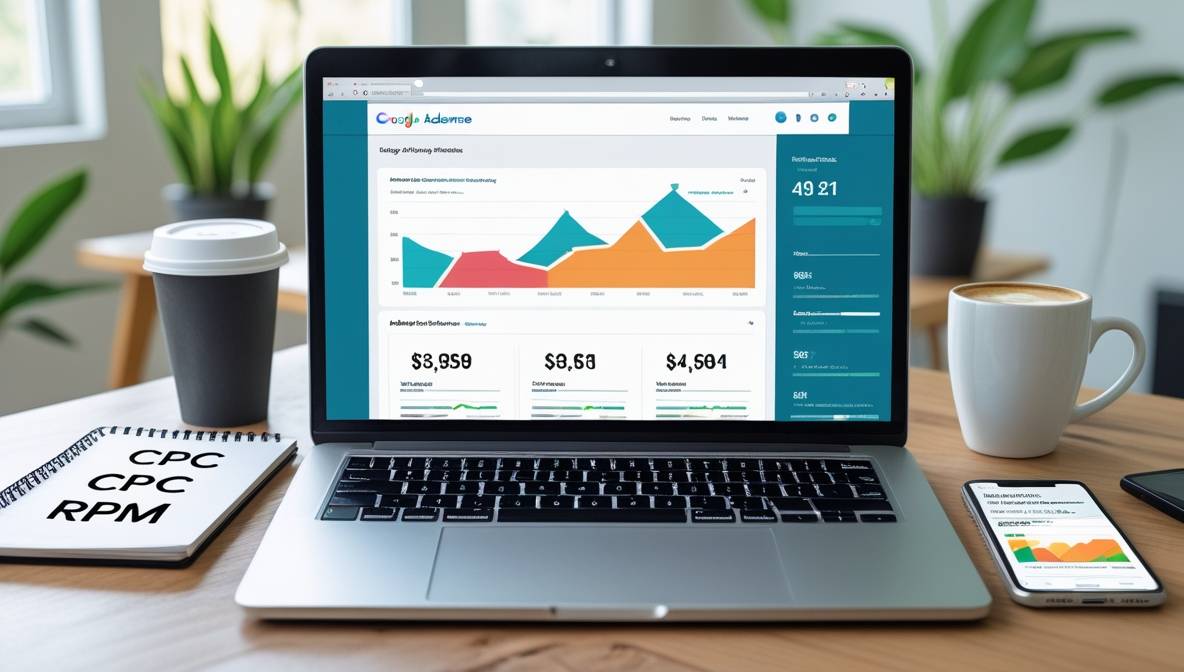
Google AdSense remains a cornerstone for bloggers seeking to monetize their content. By displaying targeted ads on your site, you earn revenue each time a visitor clicks or views an ad. This guide explores actionable strategies to maximize AdSense earnings while adhering to SEO best practices and Google’s policies.
Understanding Google AdSense
Google AdSense connects publishers with advertisers, displaying contextually relevant ads on your blog. Revenue is generated through:
- Cost Per Click (CPC): Earnings when users click ads.
- Cost Per Mille (CPM): Earnings per 1,000 ad impressions.
To qualify, blogs must comply with Google’s Program Policies, including original content, sufficient content volume, and ethical traffic sources.
Step 1: Get Approved for Google AdSense
Create Quality Content
Focus on producing in-depth, original articles (1,500+ words) that solve problems or answer questions. For example, pairing SEO optimization techniques with niche expertise increases visibility.
Technical Requirements
- Domain Age: No minimum, but older domains may gain trust faster.
- Content Volume: Aim for 30+ posts before applying.
- Site Structure: Ensure fast loading times using top WordPress cache plugins.
| Approval Checklist | Details |
|---|---|
| Original Content | No plagiarism; use tools like Copyscape. |
| Navigation | Clear menus and internal links. |
| Privacy Policy | Required for compliance. |
For WordPress users, explore how to create your first WordPress site.
Step 2: Optimize Ad Placements
High-Performing Ad Formats
- Responsive Display Ads: Auto-adjust to screen size.
- In-Feed Ads: Blend with content listings.
- Anchor Ads: Fixed at the bottom/top of the screen.
Place ads where users engage most:
- Above the Fold: Leaderboard ads after the header.
- Within Content: In-article ads after the first paragraph.
- Sidebar: Link ads for complementary offers.
Avoid exceeding 3 ads per page to prevent clutter.
Boost Click-Through Rates (CTR)
- Use contrasting ad colors.
- Place ads near calls-to-action (e.g., “Subscribe” buttons).
- Test placements via Google AdSense Experiments.
Step 3: Drive Targeted Traffic with SEO
Keyword Research
Target high-CPC keywords using free keyword tools. For example:
| Niche | Avg. CPC |
|---|---|
| Finance | $3.50 |
| Tech | $2.80 |
| Health | $1.90 |
Optimize content using semantic keywords. For instance, “best budget laptops” can include “affordable gaming laptops” or “cheap laptops for students.”
On-Page SEO
- Meta Tags: Follow mastering meta tags.
- Internal Linking: Link to related posts like WordPress vs. Blogger.
- Mobile Optimization: Use fastest free WordPress themes.
Step 4: Avoid Policy Violations
Common reasons for account suspension:
- Invalid clicks (e.g., self-clicking ads).
- Copyrighted material.
- Prohibited content (e.g., adult themes).
Regularly audit your site using SEO audit checklists.
Step 5: Track Performance
Monitor these metrics in AdSense:
- RPM (Revenue Per Mille): Earnings per 1,000 impressions.
- CTR: Percentage of clicks per impression.
- CPC: Average earnings per click.
For advanced tracking, integrate Google Analytics with WordPress plugins.
Alternative Monetization Strategies
Combine AdSense with:
- Affiliate Marketing: Promote products via Amazon Affiliate Program.
- Sponsored Posts: Partner with brands in your niche.
- Email Marketing: Build lists using Mailchimp strategies.